
Description
Product Overview
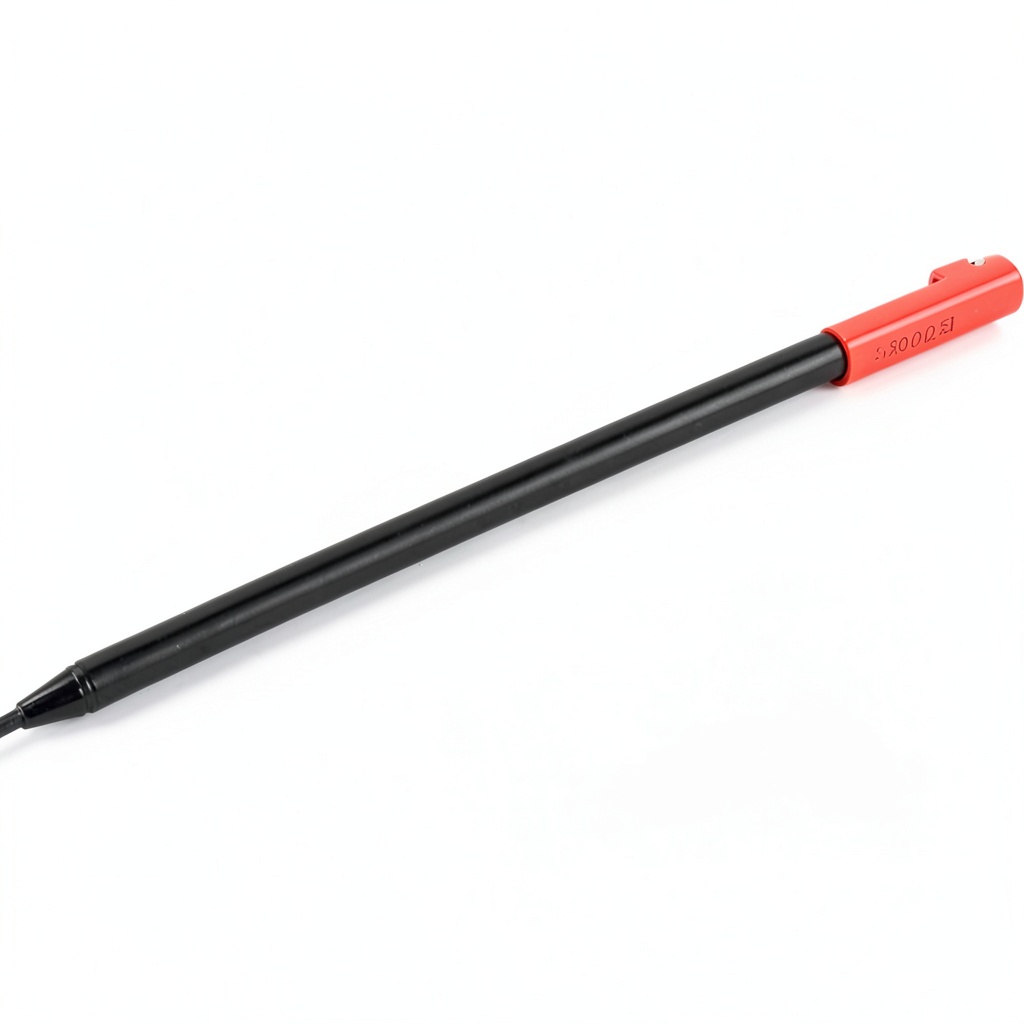
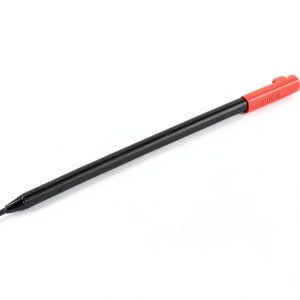
The Lenovo Rechargeable USI Pen is specifically engineered for the 300e and 500e Chromebook Gen 3 models, providing an advanced input solution for digital tasks. It features 4096 levels of pressure sensitivity, allowing for precise control in drawing, note-taking, and annotations. Crafted from durable materials with a sleek black finish, this pen integrates seamlessly with your Chromebook, recharging automatically when stored in the dedicated slot. With a full charge delivering up to 40 minutes of active use, it supports extended productivity without interruptions.
Usage
This USI pen is ideal for educational and professional environments where accuracy and efficiency are key. Students can use it for interactive lessons, diagramming, and handwritten notes, while professionals benefit from precise document markups and creative projects. It’s perfect for classrooms, offices, and remote work setups, catering to users who value tactile input over traditional typing. The pen’s ergonomic design ensures comfort during prolonged use, making it suitable for all age groups.
Why Choose Us
Lenovo’s USI Pen stands out due to its exclusive compatibility with the 300e/500e Chromebook Gen 3, ensuring optimal performance and integration. The rechargeable design eliminates the need for disposable batteries, reducing waste and cost over time. Built with high-quality components, it offers consistent responsiveness and durability, backed by Lenovo’s reputation for reliable technology. This pen enhances your Chromebook experience by combining innovation with user-friendly features.
Key Features
- 4096 levels of pressure sensitivity for precise control in writing and drawing
- Rechargeable via the Chromebook’s built-in storage slot for convenience
- Up to 40 minutes of active battery life on a full charge
- Exclusive compatibility with Lenovo 300e/500e Chromebook Gen 3 models
- Ergonomic black design for comfortable, extended use
FAQ
Is this pen compatible with other Chromebook models?
No, it is designed exclusively for the Lenovo 300e and 500e Chromebook Gen 3 and may not work with other devices.
How long does it take to fully recharge the pen?
Charging time varies but typically completes within a short period when stored in the Chromebook slot, ensuring it’s ready for use.
Can I replace the pen tip if it wears out?
The pen tip is durable and not user-replaceable; for issues, contact Lenovo support for assistance.
What is the warranty coverage for this product?
It includes a standard manufacturer warranty; check Lenovo’s website or packaging for specific terms and duration.
Does the pen require any software installation?
No, it works plug-and-play with compatible Chromebooks, with no additional software needed for basic functionality.





























Reviews
There are no reviews yet.